Hello everyone! 🤍 I hope you’ve all been having a happy week so far :)
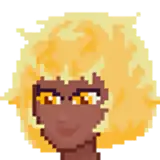
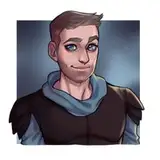
After lots of drawing, filming, and editing, here is a new tutorial video for you!! 😍 This one is all about how to paint and render skin in multiple skin tones :) I’ll show you guys how to work with colors and hues to avoid a muddy palette and achieve that vibrant look! So get cozy and I hope you all enjoy 🥰
The main brush that I use for all skin rendering is my custom Soft Render brush which you can download for procreate! I definitely recommend using this brush if you want to get some soft textures for skin and some nice layering :) You can download it in this post! Other brushes you can use are a round brush and airbrushes :)
🍓You can check out these other goodies too:
Have fun everyone!! 🥰 If you draw along in the video or create your own study, free to share your lovely art in our discord or tag me on insta so I can share it on my stories! :)
Love u all 🫶🏻
~Lydia 💕
crimsonmaples
2023-11-23 02:33:03 +0000 UTCSaskia Schuemann
2023-04-19 09:26:05 +0000 UTC